
Turn one idea into a content draft
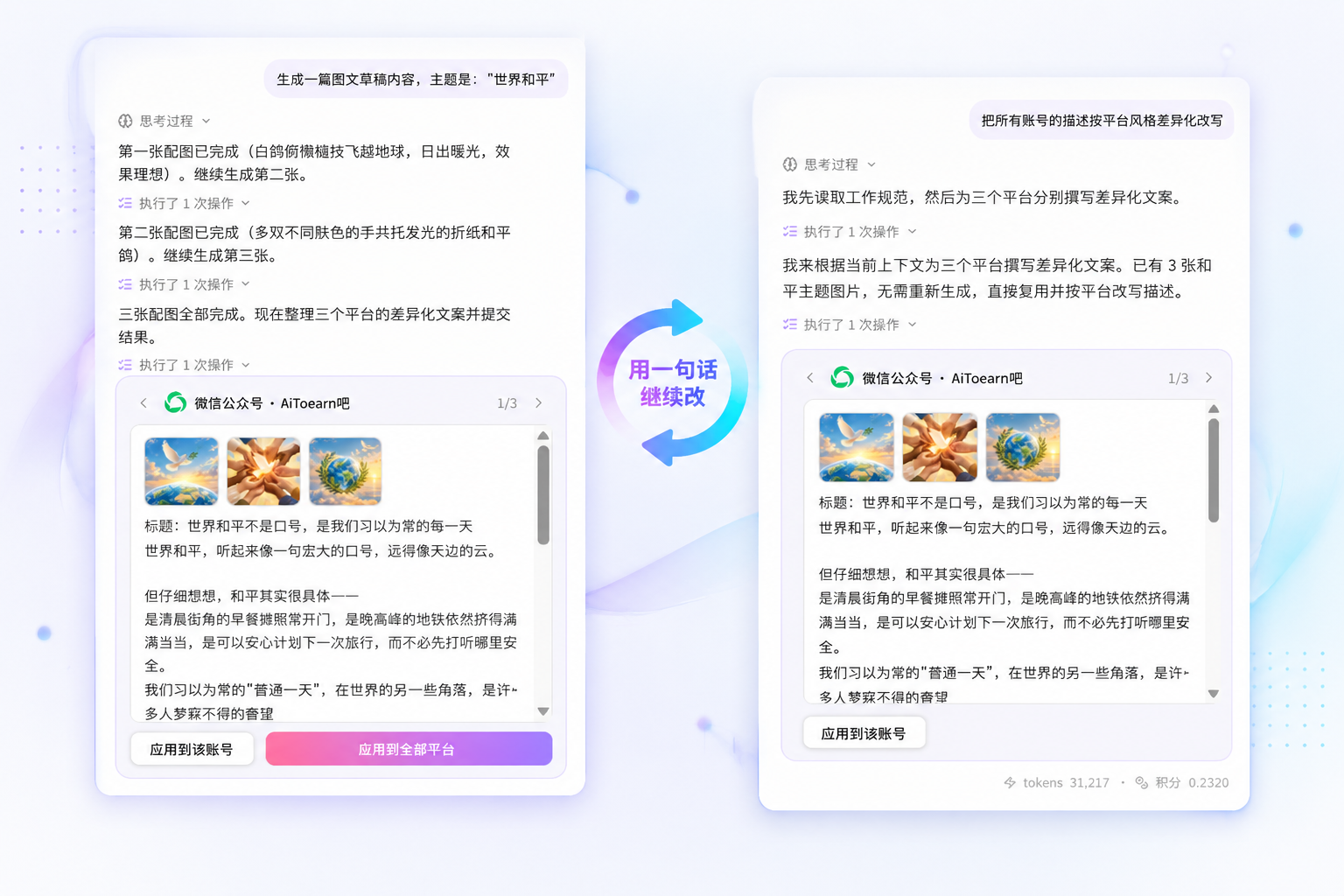
Start from one post, one video or a week of topics, iterating in natural language — no complex parameters to master.
Impact-Site-Verification: f9836212-462a-482f-9232-8a877970eacf
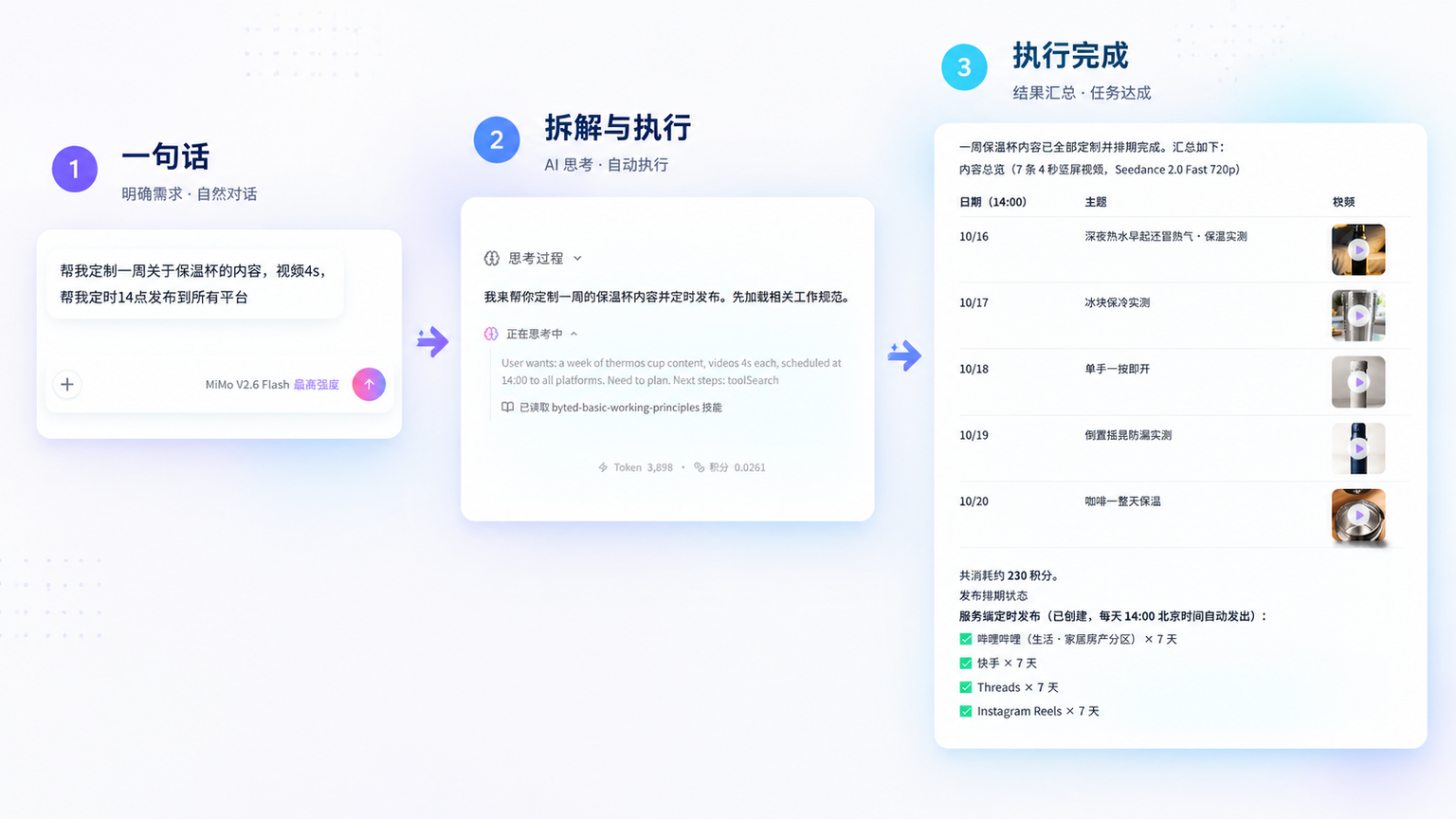
Start from one sentence, then connect generation, processing, browser operations, publishing and review; capabilities depend on account authorization, models, Credits, plugins and workspace configuration.
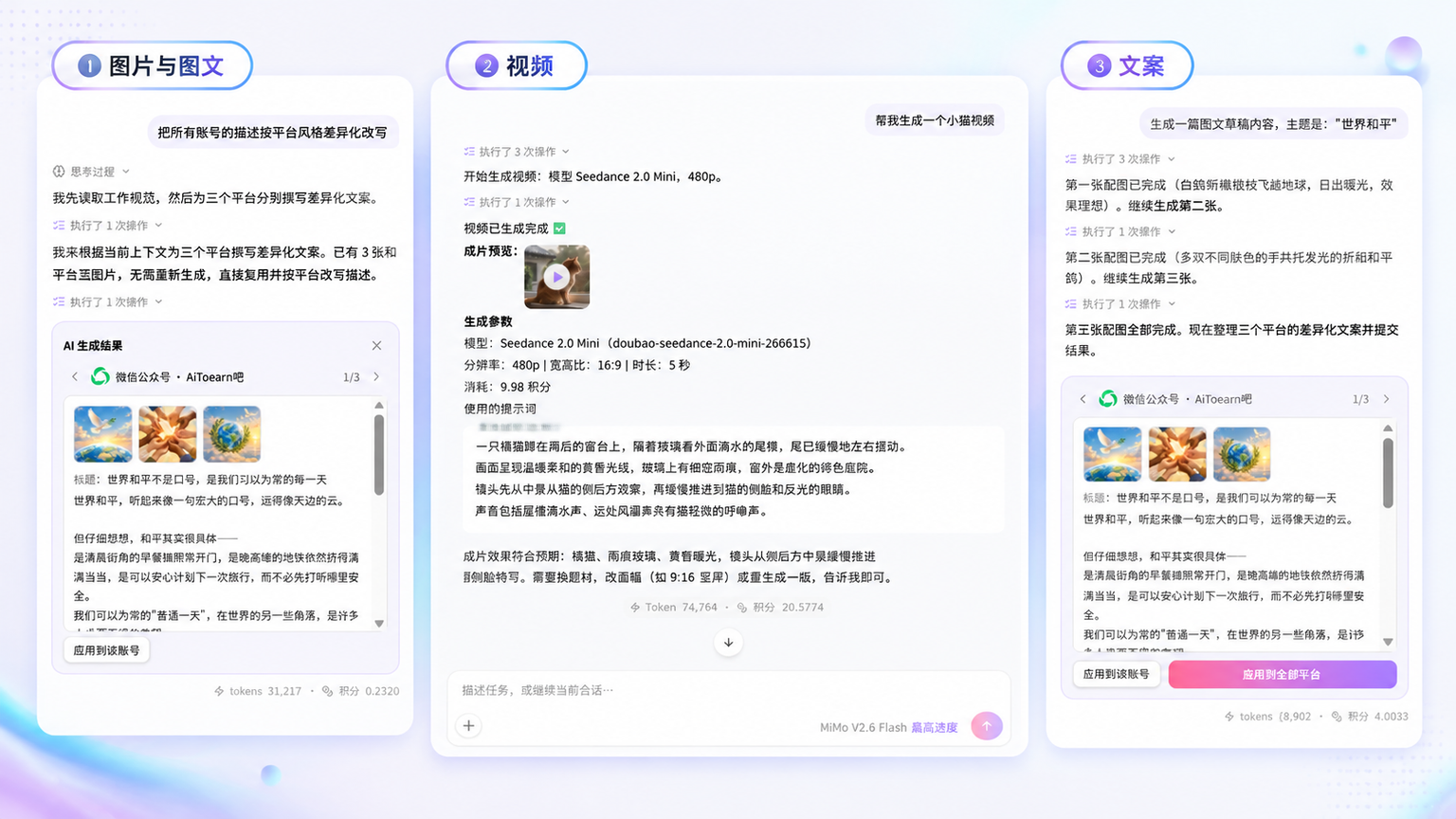
Generate images, videos and articles for topic drafts, social content, campaign materials and more.
Call editing, translation, video understanding and smart clipping tools within permissions — no more switching between platforms and pages.
For sensitive information, formal publishing or other sensitive operations, the plan is shown first and waits for your confirmation.
Multiple tasks run in parallel; session history and long-term memory let you pick up where you left off, adding information or adjusting goals after failures.
Long-term memory makes the Agent more than a Q&A tool: tasks run in order, key nodes are archived, and context survives across sessions — turning scattered operations into a sustainable operating workflow.
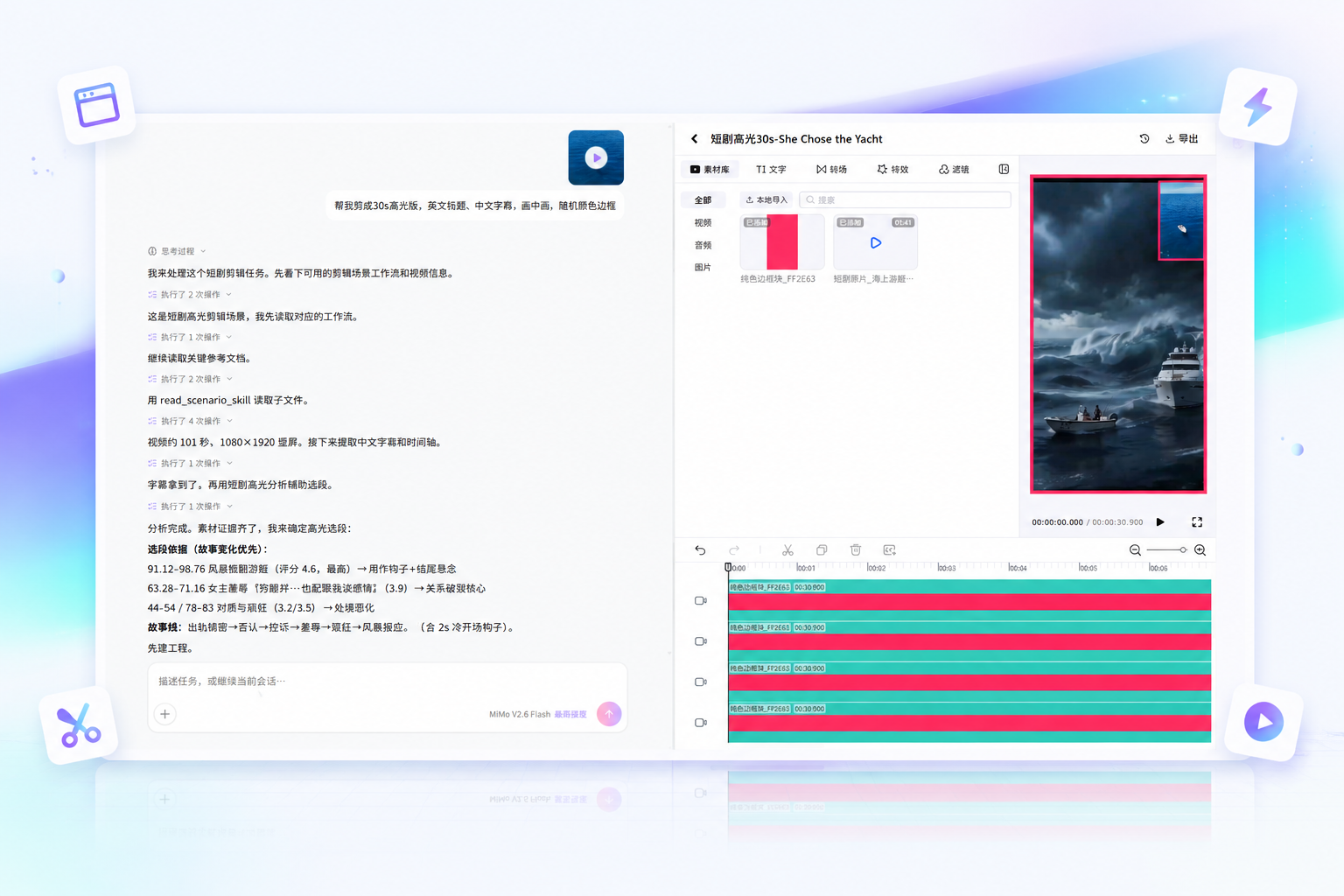
Complex work is broken into inspectable states; you decide whether important actions proceed.
Say what to generate, modify, publish or analyze — one sentence is enough.
The Agent picks suitable generation, processing, browser or data tools and completes the task step by step.
Review content, accounts, settings and costs before authorizing — sensitive operations never bypass you.
Once your works are published, see multi-platform performance data at a glance.
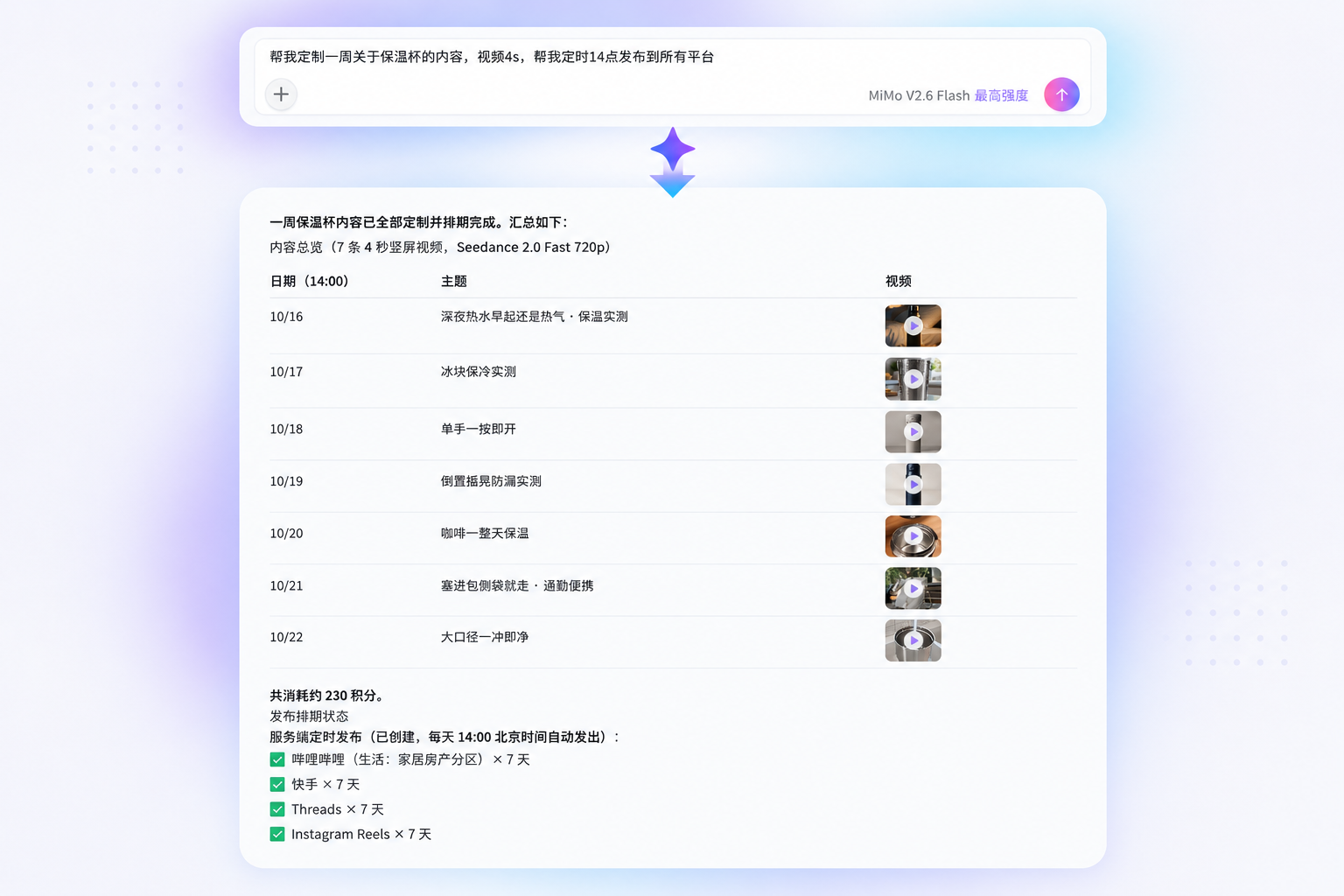
Type "Generate a week of video content and plan the publishing schedule", and the Agent completes in sequence: 7 video topics → videos and copy (titles, descriptions, hashtags) → a 7-day publishing schedule; after publishing, track performance in sessions and records.
AI-generated content must be labeled and reviewed per applicable rules; verify asset authorization, factual accuracy and publishing scope, and don't treat generated results as final publishable content.
Start from one post, one video or a week of topics, iterating in natural language — no complex parameters to master.
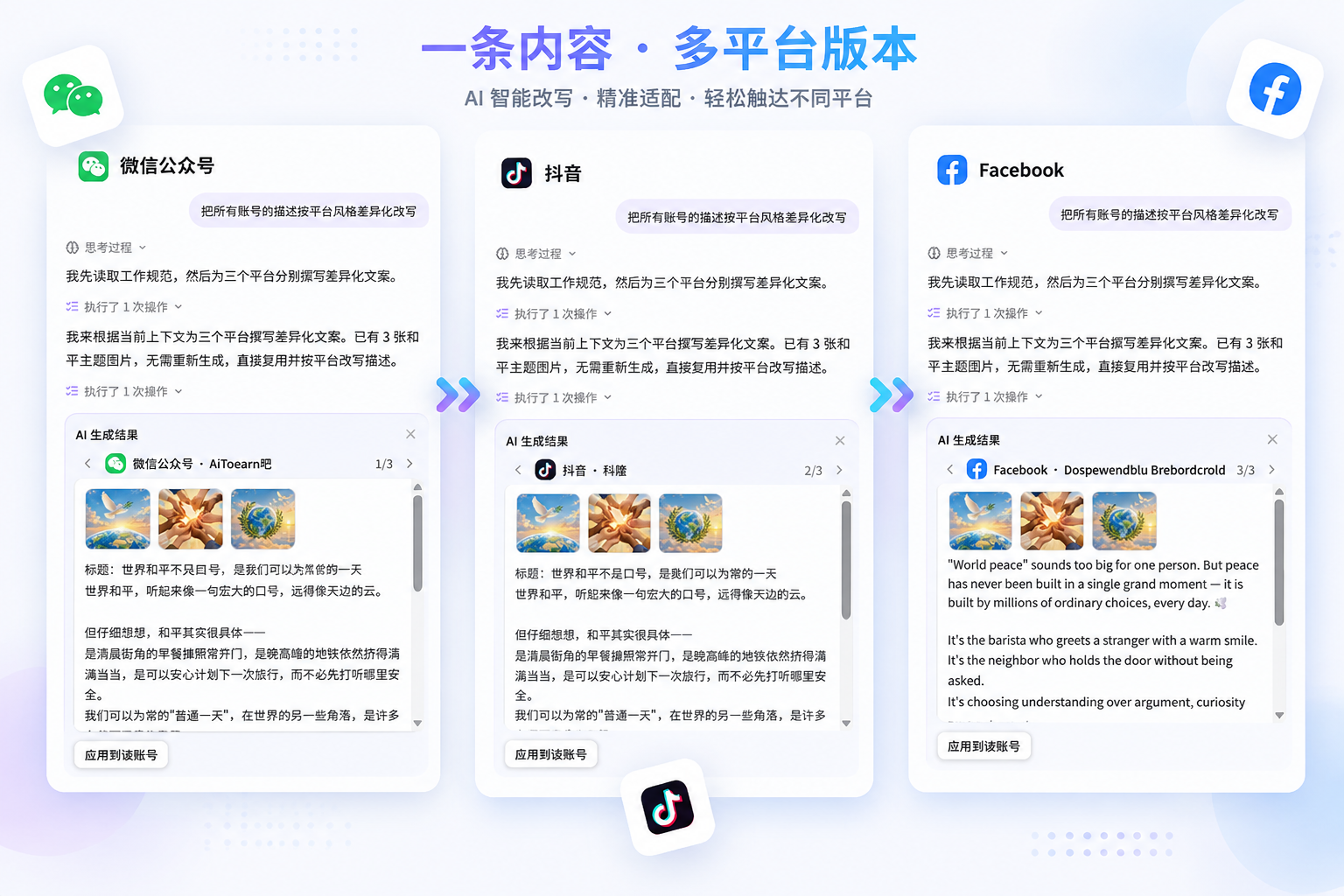
Batch-process assets, adapt content per platform and queue tasks — automation without complex operations.
No. Sensitive, publishing or high-cost actions need your confirmation; check content, target accounts, settings and costs before execution. The Agent is not meant to run fully unattended.
Images, videos and articles, plus tools like editing, translation, video understanding, smart clipping, publishing and data within current permissions; available models and tools follow your workspace.
Yes. Describe your account direction, publishing cadence and target platforms, and the Agent can break out topic lists, content drafts and publishing schedules; outputs are drafts and suggestions — you confirm before formal publishing.
Capabilities depend on account authorization, available models, Credits, plugins and workspace configuration — refer to what your account actually shows and the help docs.
Review facts, asset authorization, privacy and platform rules before publishing, and label AI-generated content per applicable laws and platform requirements. Important content still needs human confirmation; generated results are not guaranteed to fit every scenario.
Ordinary AI writing tools or AI assistants only produce text; AiToEarn AI Agent is a smart creation assistant: AI video generation, AI image generation, AI copywriting and AI editing all happen in one conversation, and it connects publishing and data tools for content automation. For self-media teams it works like an AI operations colleague — a practical AI productivity tool covering everything from topics to publishing.
Start by generating a draft, processing a batch of assets, or scheduling one publish.
Open AI Agent